PPC keyword research: finding the searches worth paying for
How to do PPC keyword research: finding high-intent searches, using Keyword Planner, choosing a match type, and building negative keyword lists.
By Daniel Stoychev, Webso Digital · 3 October 2026 · 6 min read
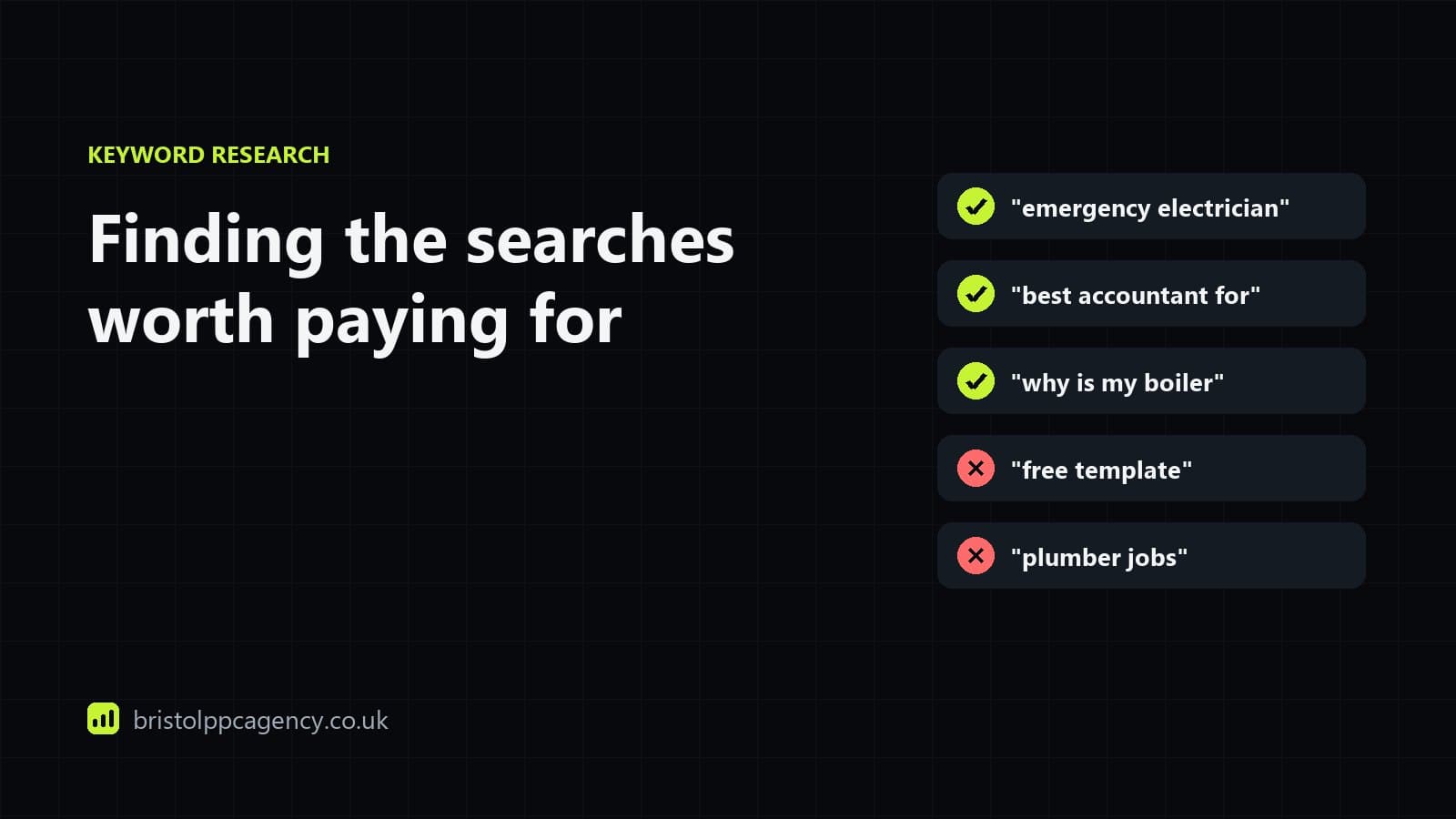
PPC keyword research is finding the searches your customers make when they are ready to buy, estimating what each will cost, and deciding how tightly to match them. It differs from SEO keyword research in one way that matters: you pay for every click, so a high-volume search with low buying intent can cost more than it returns. Intent comes first, volume second.
Start with intent, not volume
| Intent | Example searches | Usually worth paying for? |
|---|---|---|
| Ready to buy or hire | "emergency electrician bristol", "buy running shoes size 10" | Yes, the core of the account |
| Comparing providers | "best accountant for small business", "x vs y" | Often, with the right page |
| Researching the problem | "why is my boiler losing pressure" | Sometimes, at a lower target |
| Looking for free or DIY | "free template", "how to fix it yourself" | Rarely; usually negatives |
| Jobs and training | "plumber jobs", "electrician course" | No, unless you are hiring |
Where to find keywords
- Your own customers: the words they use on the phone and in emails, which are often not the words used in your industry.
- Google Ads Keyword Planner: volumes, trends and top-of-page bid ranges for your area. Free inside a Google Ads account.
- Your search terms report: once a campaign runs, the actual searches people made. This becomes your best source within weeks.
- Search Console: the searches your site already appears for organically.
- The search results themselves: what kind of page appears for a search tells you what the searcher wants.
Match types: broad, phrase and exact
Match types control how closely a search has to match your keyword for your ad to show. Google interprets all three by meaning rather than exact words, so even exact match can show for close variants.
Exact match [keyword]
Shows for searches with the same meaning as the keyword. The most control, the least reach.
Phrase match "keyword"
Shows for searches that include the meaning of the keyword, with words before or after. A balance of reach and control.
Broad match
Shows for searches related to the keyword, using signals such as the landing page and other keywords. The most reach; needs good conversion tracking and smart bidding to work well.
Broad match can work well in accounts with plenty of reliable conversions and Smart Bidding, because the bidding filters weak searches. In small or new accounts, phrase and exact match usually waste less while the account learns.
Negative keywords: the most underused setting
Negative keywords stop your ads showing for searches you do not want. They are where most of the savings in a typical account come from. Start with a list of obvious exclusions before launch, then add to it every week from the search terms report.
- Jobs, careers, salary, apprenticeship, course, training (unless you sell training).
- Free, cheap, DIY, how to, template, example (depending on your offer).
- Services you do not offer, and areas you do not cover.
- Competitor names, if you have decided not to bid on them.
- Second-hand, used, spare parts, for products you sell new.
Grouping keywords
Group keywords so that each ad group shares one meaning, which lets the ad and landing page match the search closely. That match is part of Quality Score, so tight groups usually pay less per click. Keep separate campaigns for groups with different values, such as emergency versus planned work, so each can have its own budget.
Using the search terms report
- In Google Ads, open Insights and reports, then Search terms, for the last week or month.
- Sort by cost and read the most expensive searches first.
- Add searches you never want as negative keywords, at campaign or account level.
- Add good searches you were not targeting as new keywords, in the right ad group.
- Repeat weekly for a new account, fortnightly once it is stable.
Keyword research for local businesses
Local searches are often too small for Keyword Planner to show a volume, which does not mean nobody makes them. Group them: a service plus "near me", plus your city, plus the districts you cover. Check whether a map pack appears for each, because where it does, your Google Business Profile and Local Services Ads matter as much as your search ads.
Written by
Web developer and paid search specialist at Webso Digital, which runs Bristol PPC Agency. Builds the campaigns, the landing pages and the tracking, and writes these guides from that work.
Questions on this topic
How many keywords should a Google Ads campaign have?
Enough to cover the meanings you want, grouped tightly by meaning. Many effective campaigns have a few dozen keywords rather than hundreds, especially with Google's broader matching.
Which match type should I use?
Phrase and exact match for new or small accounts; broad match once there are enough reliable conversions for Smart Bidding to learn from. Review the search terms report weekly whatever you choose.
How do I find negative keywords?
From the search terms report in Google Ads, which lists the actual searches that triggered your ads. Add irrelevant ones as negatives each week, and start with a list of obvious exclusions before launch.
Is Keyword Planner accurate?
Its volumes are rounded ranges or averages and its bids are estimates, so treat it as a guide to relative demand and cost. Your own search terms report becomes more reliable once campaigns run.
Should I bid on my own brand name?
Usually yes, in its own campaign. Brand clicks are cheap, and without an ad a competitor can appear above you for your own name.
Should I target long-tail keywords?
Often, yes. Longer, more specific searches usually have less competition and clearer intent, so they convert better at a lower cost per click. Keyword Planner may show them as tiny or zero volume; the search terms report shows what people actually type.