B2B Google Ads: count the leads your sales team keeps, not the forms
B2B PPC that bids on the leads your sales team qualifies: CRM stages, offline conversion import, enhanced conversions for leads and the 90-day limit.
By Daniel Stoychev, Webso Digital · 3 November 2026 · 7 min read
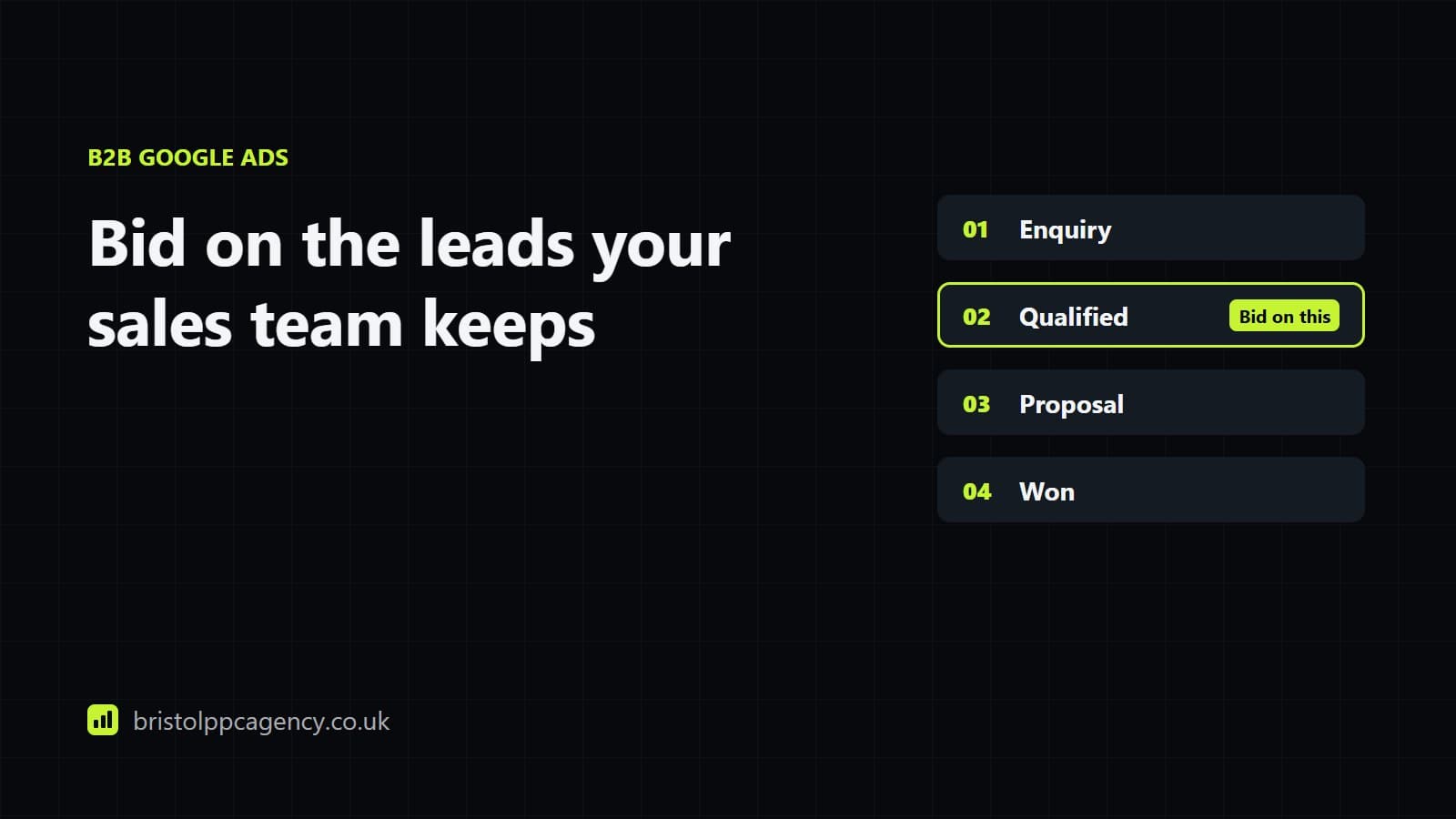
In a B2B Google Ads account, the conversion Google bids towards should be the lead your sales team accepts as real, sent back from your CRM, not the form submission. Store Google's click ID with each lead or capture the enquirer's email with enhanced conversions for leads, give each sales stage its own conversion action, upload the outcomes at least daily, and make the qualified stage the one the bidding learns from. Until that loop exists, Smart Bidding treats a student's question and a buyer's tender request as the same result.
Why a form fill is the wrong target
Google's offline conversion FAQs put the mechanism plainly: Smart Bidding optimises for whichever conversion types you include in the Conversions column. If that column holds every form submission, the system is rewarded for finding cheap forms. In B2B the cheapest forms come from people who will never buy: students writing about your sector, job hunters, suppliers selling to you, competitors checking your prices, and bots. Each one costs a click and part of a salesperson's morning, and each one tells the bidding it did well.
The fix is to tell Google, a day or two after each enquiry, which of them your team kept. That takes three pieces of work: an agreed definition of a kept lead, a way to match the lead back to the ad click, and a regular upload.
Agree what a kept lead is first
This part happens with the sales team, before anyone opens Google Ads. Agree a short set of stages, each with a plain test anyone could apply, and make sure the CRM records the date each lead reaches each stage. Three or four stages cover most firms that sell to other businesses:
| Stage | Plain test | Role in Google Ads |
|---|---|---|
| Enquiry | A form, call or email arrived from a real business | Recorded; primary only until a later stage has enough volume |
| Qualified | Sales has spoken to them and they could buy: right sector, size and need | The stage most B2B accounts should bid on |
| Proposal sent | A priced proposal or quote went out | Secondary, with a value, to show which campaigns produce real opportunities |
| Won | A signed contract or first order | Secondary, with the deal value; usually too rare and too late to bid on |
Google's own advice for enhanced conversions for leads is to choose either the qualified lead or the converted lead as the conversion goal, and to create a separate conversion action for each stage of the funnel. The table follows that advice. Which stage becomes primary depends on how many of each your account produces, which is the next decision.
Two ways to send the outcome back
Click ID import
Each form stores the gclid from the landing page address in a hidden field, the CRM keeps it with the lead, and leads that reach a stage are uploaded with that ID. Google's FAQs say it keeps the click ID for 90 days only.
Enhanced conversions for leads
The Google tag captures a hashed copy of the email or phone number when the form is sent. Later you upload the same hashed details for leads that reached a stage, and Google matches them. Google recommends starting here if you have no offline import yet.
Enhanced conversions hash the details with SHA256 before they leave the site, as Google's enhanced conversions page describes. It is still personal data in a scrambled form, and Google's customer data policies require you to tell people, for example in your privacy policy, that their details are shared for ad measurement, and to get consent where the law requires it. For the upload itself, Google points to Google Ads Data Manager or the Google Ads API, which keep it automatic; a firm with a few leads a week can run a scheduled upload from a spreadsheet instead.
Which stage should Smart Bidding learn from?
Choose the stage that happens often enough to learn from and late enough to mean something. Won contracts are the truest signal, but in most B2B accounts they are few and arrive weeks after the click. Raw enquiries are plentiful and full of noise. The qualified stage usually sits between the two, which is why Google's advice names it.
If the qualified stage produces only a handful of conversions a month, bidding on it alone will swing from week to week. In that case keep enquiries as the primary action for a while and import the later stages as secondary. Google's help page on primary and secondary actions says secondary actions are reported in the All conversions column and not used for bidding, unless they sit in a custom goal. You see the qualified count grow without it steering anything, and you switch once it arrives steadily.
Values make the choice easier. Give each stage a value in proportion to what it is worth to you, so a qualified lead counts for more than an enquiry and a won contract carries its real value. With values in place, Maximise conversion value or target ROAS can favour the campaigns that produce opportunities, as our guide to bidding strategies explains.
Long sales cycles and the 90-day limit
Google keeps the click ID for 90 days, and its FAQs give a shorter limit, 63 days, for uploads that use personal data for enhanced conversions. If your contracts close five or six months after the first enquiry, the won stage will often arrive too late to upload. Google's answer for that case is to upload an offline event that happens inside the window, which for most firms is the qualified lead or the proposal. The won deal still belongs in your own CRM reporting; it cannot always teach Google Ads.
Timing matters on the short side too. The same FAQs ask for uploads at least daily for accounts on Smart Bidding, or on a fixed schedule such as every two days or weekly where daily is impossible. A monthly batch reaches the bidding long after the auctions it should have informed.
What changes in the reports
Google's help page on the conversion time columns says Google Ads reports conversions against the date the ad was clicked. A lead qualified on Thursday from a click on Monday appears on Monday, and only once it has been uploaded, so the last week or two of any report is short of qualified leads until the uploads catch up. The Conversions (by conv. time) column shows the same conversions on the day they happened, which is the view your sales team will recognise. Compare cost per qualified lead over whole months, and leave the most recent fortnight out of any verdict.
A set-up checklist
- Write the stage definitions with the sales team, and add a date field for each stage in the CRM.
- Add a hidden gclid field to every form, switch on enhanced conversions for leads in the Google tag, or do both.
- Create one conversion action per stage in Google Ads, each with a value.
- Connect the CRM through Data Manager, or schedule an upload at least daily.
- Start with enquiries as primary and the later stages as secondary.
- Move the qualified stage to primary once it arrives steadily, then let the bidding settle before changing anything else.
- Each month, check that the qualified leads Google Ads shows match the CRM count for the same click dates.
We build this loop as part of our B2B PPC management, with the tagging handled by our analytics and tracking work. If you want to know how many of last quarter's form fills your sales team would have kept, ask for a free audit and we will start with that question.
Sources
Written by
Web developer and paid search specialist at Webso Digital, which runs Bristol PPC Agency. Builds the campaigns, the landing pages and the tracking, and writes these guides from that work.
Questions on this topic
Do I need a CRM to import qualified leads into Google Ads?
You need somewhere that keeps each lead with its click ID or email address and the date it reached each stage. A CRM does that best, but a well-kept spreadsheet uploaded on a fixed schedule works for a firm with a few leads a week.
Should I use click ID import or enhanced conversions for leads?
Google recommends enhanced conversions for leads if you are starting now, describing it as more durable and more accurate than click ID imports. If your CRM already stores the gclid, that import keeps working while you add enhanced conversions alongside it.
How long after the click can I upload a conversion?
Up to 90 days with a click ID, according to Google's offline conversion FAQs, and 63 days for uploads that use personal data for enhanced conversions. For longer sales cycles, upload an earlier stage that falls inside the window.
Will bidding on qualified leads reduce the number of enquiries?
It can. Bidding on qualified leads stops rewarding the cheapest forms, so raw enquiries may fall. Judge the change on cost per qualified lead over whole months, which is the number it is meant to improve.
How often should we upload offline conversions?
At least daily, which is Google's advice for accounts on Smart Bidding. Where that is not possible, keep to a fixed schedule, such as every two days or weekly, so the bidding sees outcomes at a steady rhythm.